
Write a few words.
What would you like to keep in mind? Start with a sentence, a phrase, or something you want to come back to.
For iPhone & iPad
Choose a few words about what matters to you. Keep them close with a beautiful Home Screen widget.
No account needed. A little reminder, in your own words.
A small daily ritual
Give an intention a little space in your day.
What would you like to keep in mind? Start with a sentence, a phrase, or something you want to come back to.
Choose a style, a color, and a typeface. Add a photo to the larger widgets if you’d like.
Add the widget to your Home Screen. Your current intention stays in view as you go about your day.
A look that feels like you
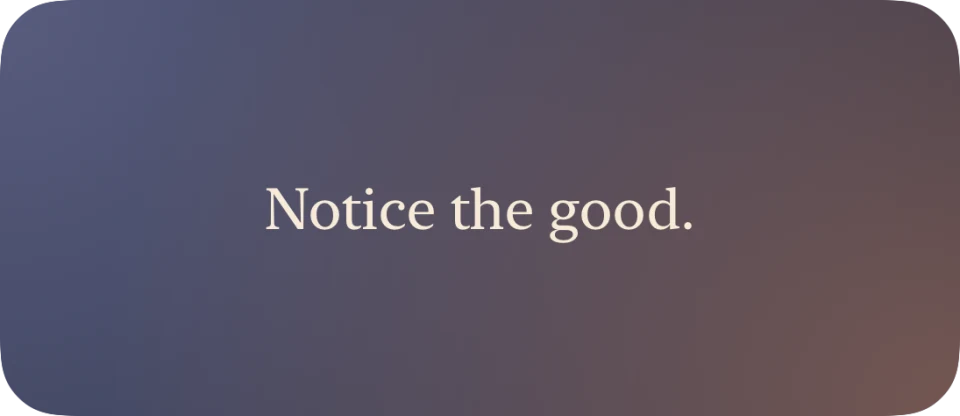
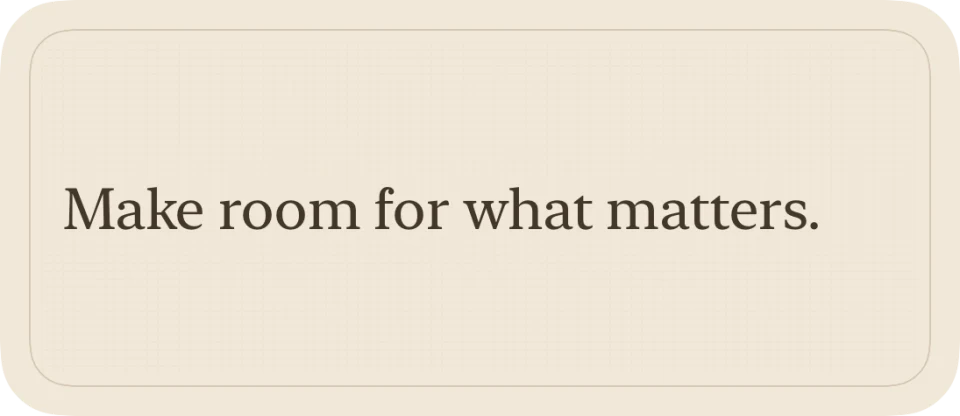
Warm paper. Quiet lines. A little evening light. Four considered styles give your words a place of their own.
Try a look. Each example uses a medium widget.
An optional personal touch
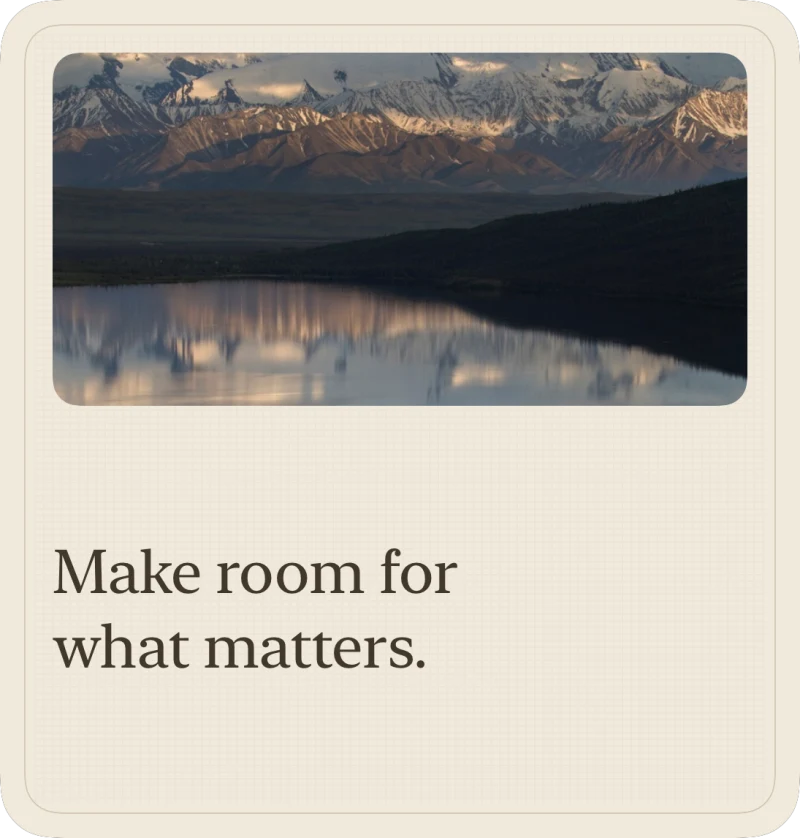
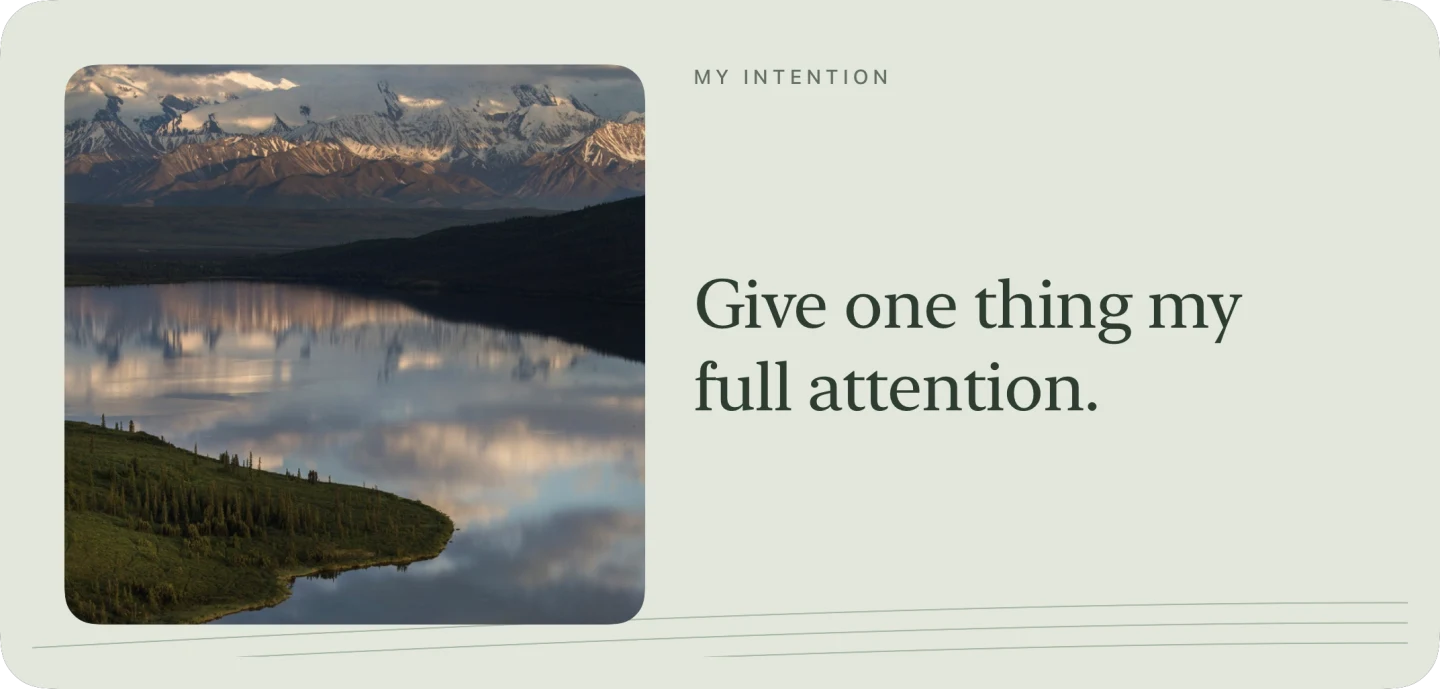
Add a photo that means something to you. It sits above your intention in the large widget, or beside it in the extra-large iPad widget.
Adjust the crop and framing to make it yours. Your photo stays in place when you change intentions.
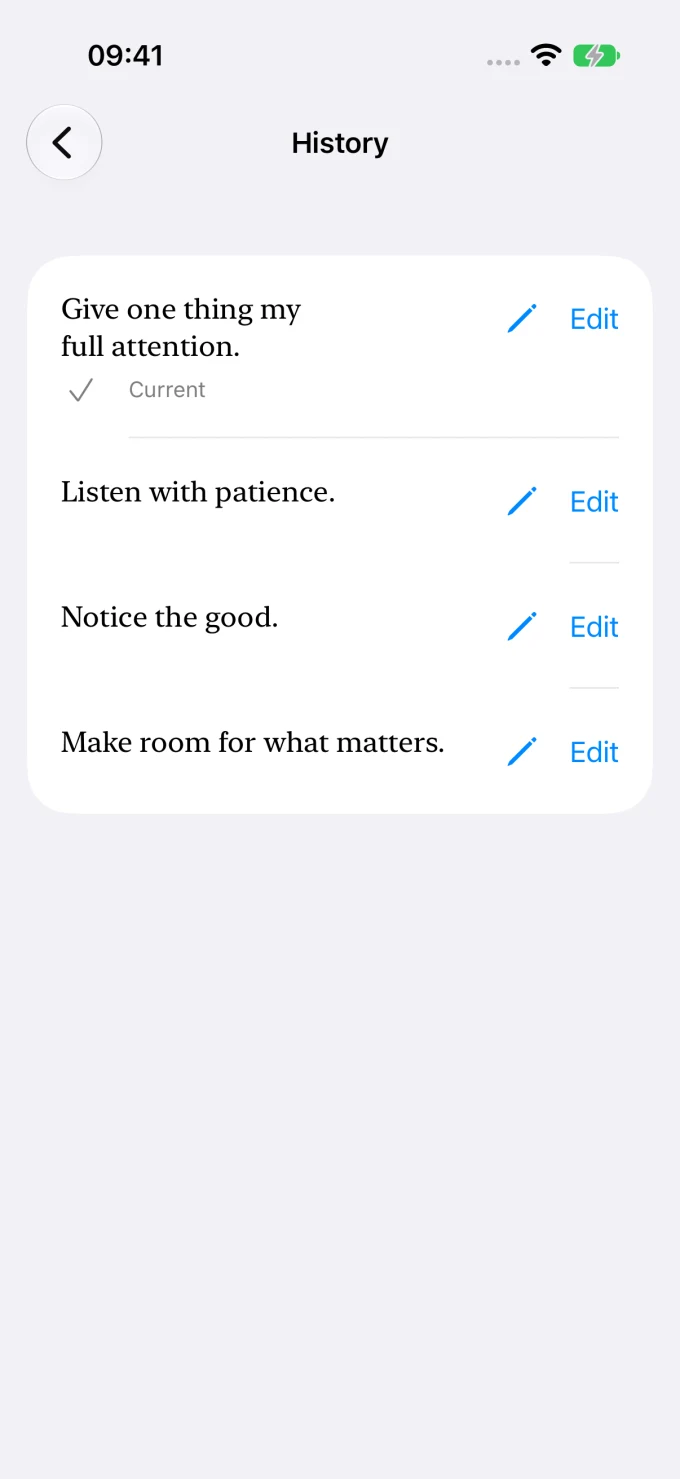
Room to change your mind
Your intentions are saved in History. Return to an earlier one, or edit current and past entries when your wording changes.
No account to create. Your intentions and photos are stored on your device. This version keeps a separate library on each device.
More about privacyBeta coming soon
My Intention is being prepared for a free beta on iPhone and iPad. We’d love to hear how it fits into your day.
TestFlight details will appear here when the beta opens.
Get to know the app